


Overview
Ordering an instance is designed to be straightforward and fast. Most Linux-based instances are provisioned near-instantly using prebuilt templates, while more specialized configurations (such as Windows) may require additional time.
This article explains how instance plans work, what changes are possible after provisioning, and what to expect during delivery.
Choosing an Instance Plan
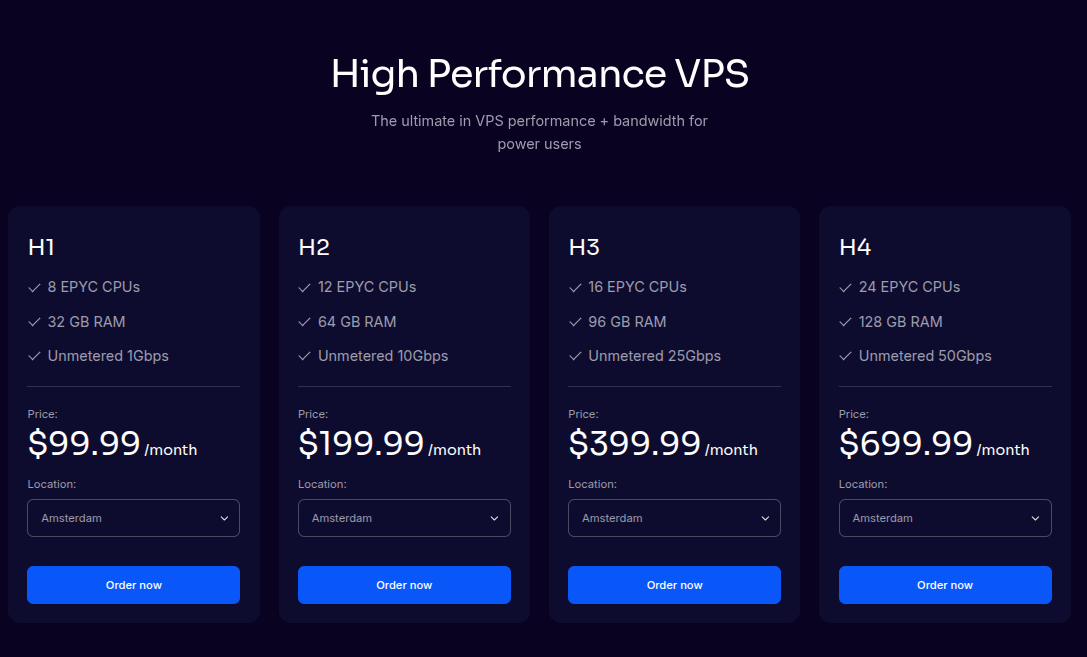
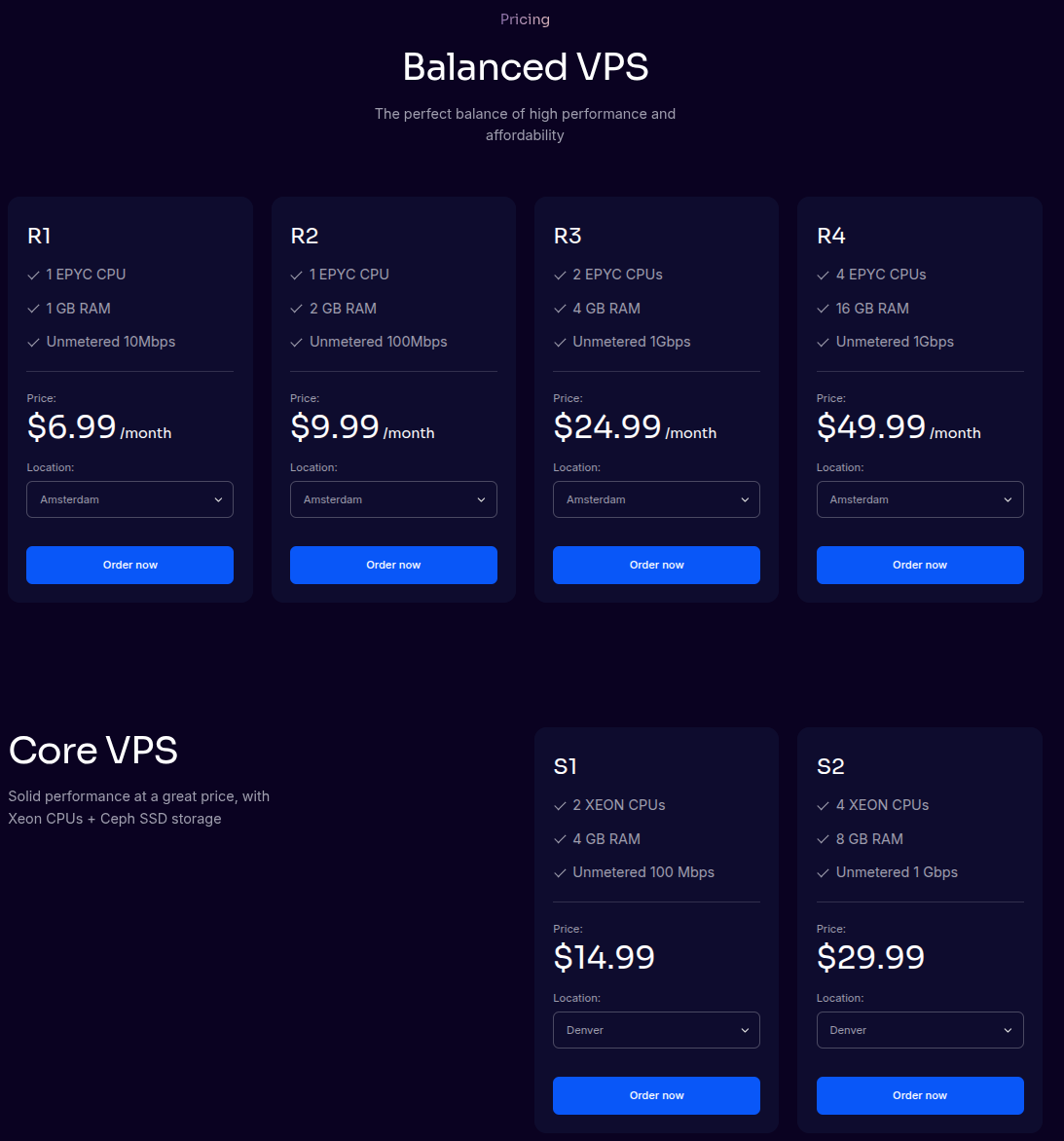
When ordering an instance, you select a plan that defines the resources assigned to that instance.
Each plan includes:
-
A defined amount of shared vCPU
-
Guaranteed RAM
-
NVMe-backed storage
-
A network rate limit
Network speeds scale with plan size, starting at 10 Mbps on smaller plans and increasing up to 20+ Gbps on larger configurations.
Resource Change Expectations
It’s important to understand how resource changes work before ordering.
Upgrades
-
Instances can be upgraded by moving to a higher plan
-
All upgrades require a reboot
-
Individual resources (CPU, RAM, storage) cannot be upgraded independently
???? Advanced
Plan-based upgrades ensure consistent performance, predictable scheduling, and compatibility with high availability features.
Downgrades
-
Downgrades are not supported once an instance is provisioned
-
Plan changes are one-directional (up only)
⚠️ Important
If you anticipate needing fewer resources later, consider provisioning conservatively and upgrading only when necessary.
Provisioning Methods
You may provision your instance using one of the following methods.
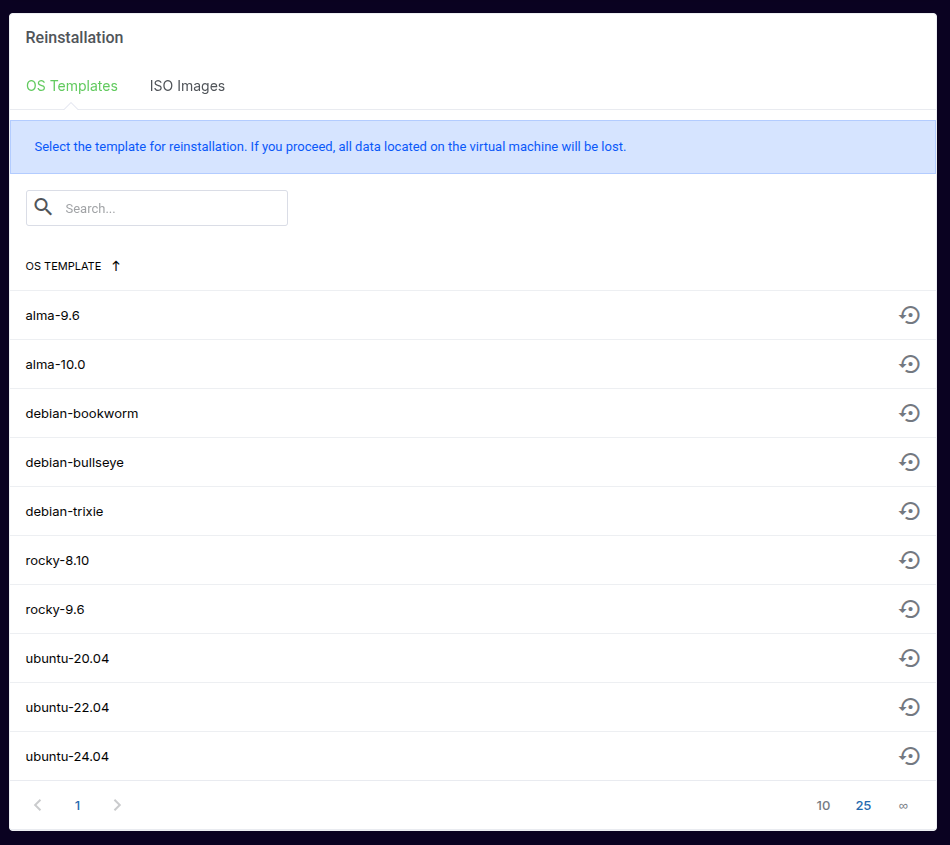
Option 1: Linux OS Template (Recommended)
Linux templates are the fastest and easiest way to deploy an instance.
-
Near-instant provisioning
-
Preconfigured networking
-
Optimized defaults
-
Full support coverage
Commonly available templates include:
-
Ubuntu (LTS releases)
-
Debian
-
AlmaLinux
-
Rocky Linux
-
Other commonly used Linux distributions
Option 2: Custom ISO Installation
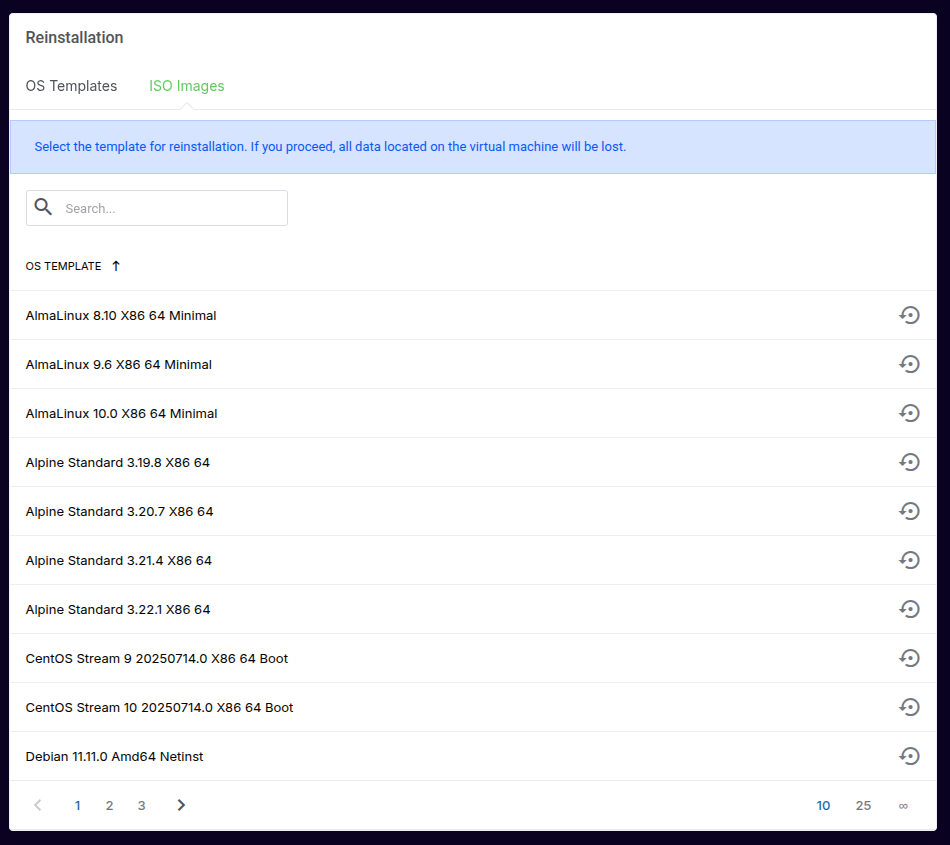
You may also install an operating system manually using a supported ISO.
-
Mount an ISO from the available library
-
Complete installation via the web-based console
-
Full control over OS configuration
⚠️ Important Requirements
You are responsible for OS configuration and licensing
Windows cannot be installed by customers
qemu-guest-agentandcloud-initor their equivalent must be installed for full platform functionality
???? Advanced
Instances without guest tools may not support live migration, automated recovery, or clean shutdown operations.
Provisioning Timelines
Linux Templates
-
Provisioned near-instantly after order completion
-
Instance details and access credentials are available immediately
Custom ISO Installs
-
Instance is created immediately
-
OS installation time depends on user interaction and configuration
???? Advanced
ISO-based installs require console interaction and do not include automated configuration or validation.
Windows Instances
Windows provisioning differs significantly from Linux instances:
-
Available on R3 plans and larger
-
Windows licensing must be purchased through FDCServers
-
Windows installation is performed only by FDCServers staff
-
Delivery may take up to 72 hours
-
Customers receive full Administrator access after provisioning
⚠️ Important
Customers cannot install Windows themselves. Orders requiring Windows are queued for manual provisioning.
After Provisioning
Once provisioning is complete:
-
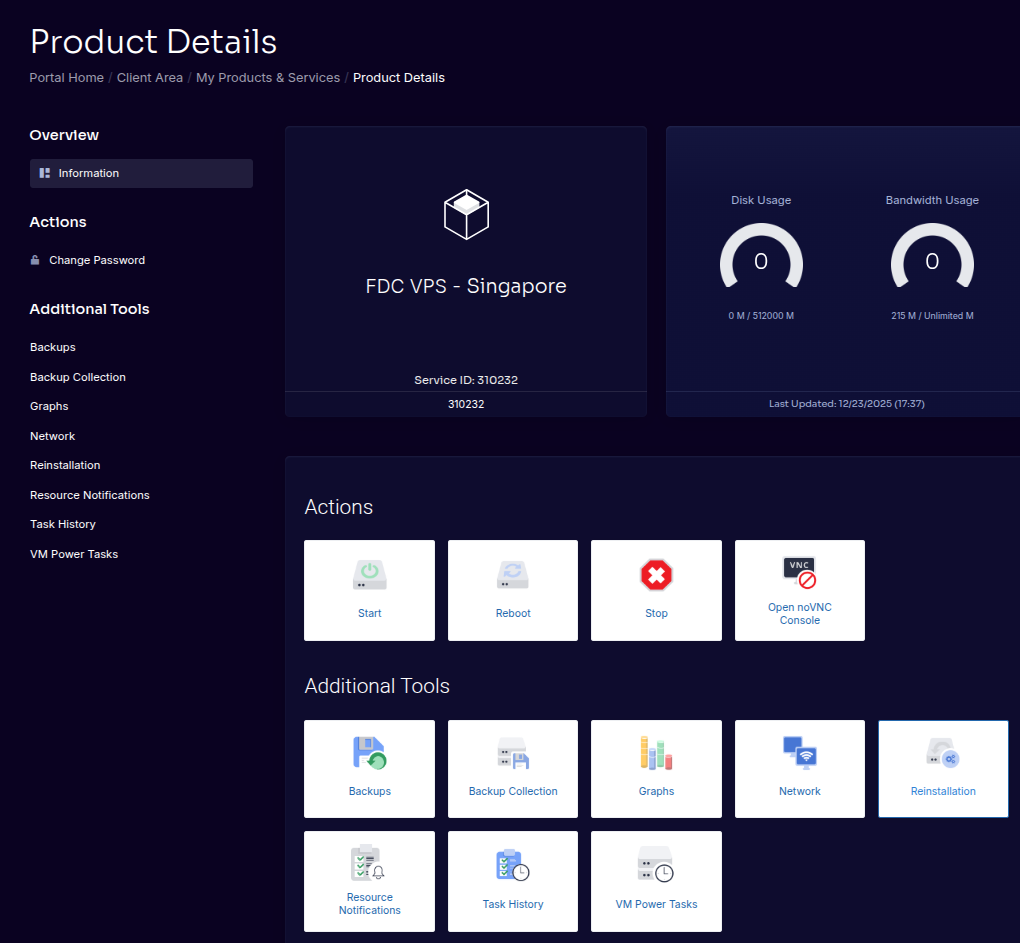
Your instance appears in the client portal
-
Assigned IP addresses are visible
-
Management actions (start, stop, reboot, console) are enabled