


Overview
Support for VPS instances is shared between FDCServers and the customer. Understanding where platform responsibility ends and customer responsibility begins helps ensure faster resolution and avoids unnecessary delays.
This article explains:
-
What FDCServers supports
-
What customers are responsible for
-
How support differs based on installation method
-
Common scenarios that fall outside platform support
Platform-Level Support (What We Support)
FDCServers provides support for the virtualization platform and underlying infrastructure.
This includes:
-
Instance availability
-
Physical host infrastructure
-
Network connectivity to the instance
-
Resource allocation (CPU, RAM, storage, network limits)
-
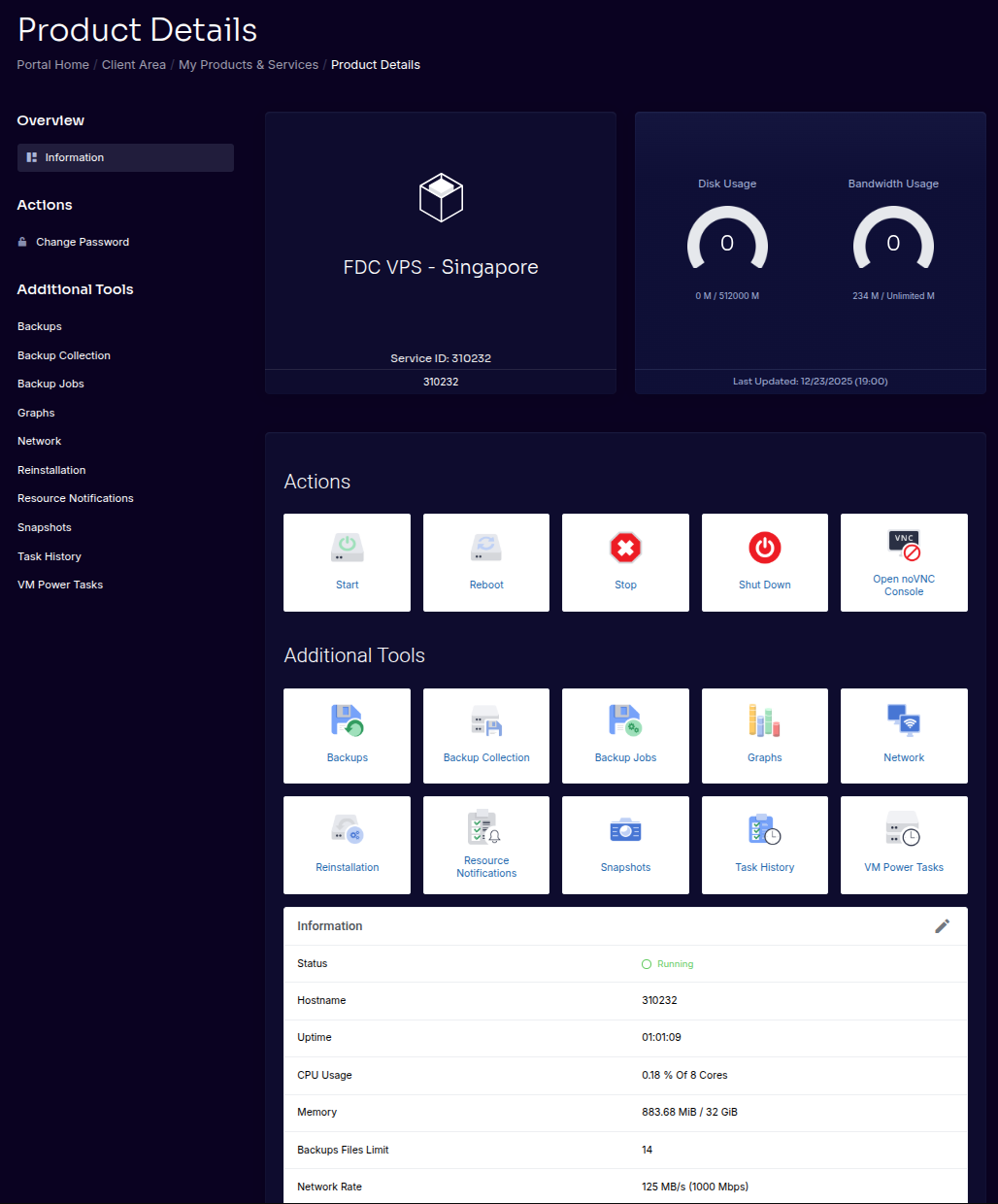
Platform management features (start, stop, reboot, console access)
-
Snapshot and backup infrastructure
Template-Based OS Deployments
If your instance was deployed using a supported Linux template:
FDCServers supports:
-
Initial OS deployment
-
Base networking configuration
-
Platform compatibility
-
Recovery related to host failures
Customers are responsible for:
-
OS updates
-
Package installation
-
Application configuration
-
In-OS firewall rules
???? Advanced
Template deployments are validated for compatibility with platform features such as live migration and automated recovery.
Custom OS Installations (ISO-Based)
If you install your own operating system using an ISO:
Customers are responsible for:
-
OS installation and configuration
-
OS updates and security
-
Licensing (except Windows)
-
Installing required guest tools:
-
qemu-guest-agent -
cloud-init
-
FDCServers supports:
-
Ensuring the instance is reachable at the platform level
-
Verifying that assigned resources are available
⚠️ Important
Support responsibility begins once the operating system is reachable and functional.
Windows Instance Support
Windows instances are handled differently from Linux instances.
FDCServers supports:
-
Windows installation
-
Licensing
-
Platform compatibility
-
Delivery of a functional Windows environment
Customers are responsible for:
-
Windows configuration
-
Updates and patching
-
Application installation
-
Security hardening
⚠️ Note
Customers cannot install Windows themselves. All Windows installations are performed by FDCServers staff.
What We Do Not Support
FDCServers does not provide support for:
-
Application troubleshooting
-
Custom kernel issues
-
Unsupported or EOL operating systems
-
Misconfigured in-OS firewalls
-
Malware removal
-
Data recovery beyond snapshot restores
???? Advanced
Support requests outside scope may be declined or handled on a best-effort basis.
Common Support Scenarios
| Scenario | Supported |
|---|---|
| Instance will not power on | Yes |
| Network unreachable due to OS firewall | No |
| Snapshot restore | Yes |
| Application crash | No |
| Host failure recovery | Yes |
| Custom OS install troubleshooting | No |
Best Practices for Support Success
To ensure the fastest support resolution:
-
Use supported OS versions
-
Avoid reserved usernames
-
Install required guest tools
-
Keep the OS healthy and up to date
-
Maintain external backups
Summary
-
FDCServers supports the platform and infrastructure
-
OS and application management are customer responsibilities
-
Support scope depends on installation method
-
Windows instances are installed and licensed by FDCServers
-
Clear boundaries help resolve issues faster