



Overview
Instance resources are defined by the plan selected at the time of ordering. While upgrades are supported, there are important limitations around how and when resources can be changed.
This article explains:
-
What types of resource changes are supported
-
What changes are not supported
-
Reboot requirements
-
How to plan capacity growth correctly
How Instance Resources Are Defined
Each instance plan defines:
-
Shared vCPU allocation
-
Guaranteed RAM
-
Storage capacity and type(s)
-
Network rate limit
Resources are allocated as a bundle. Individual components cannot be adjusted independently.
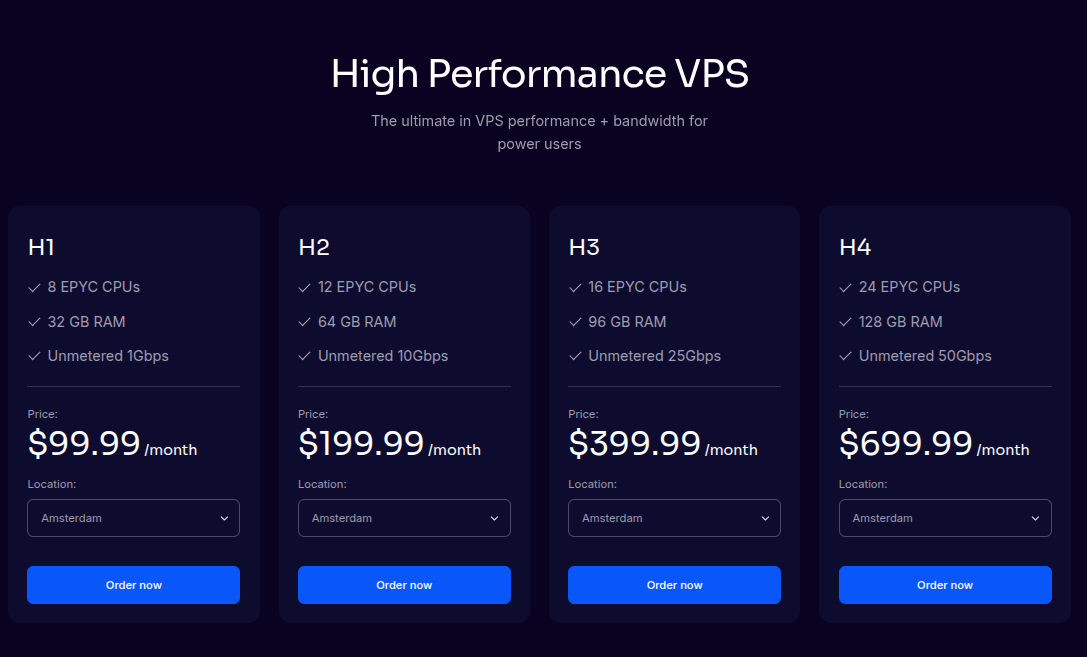
Supported Resource Changes (Upgrades)
Plan-Based Upgrades
Instances can be upgraded by moving to a higher plan.
Upgrade characteristics:
-
CPU, RAM, storage, and network limits increase together
-
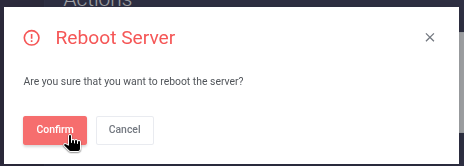
A reboot is required for upgrades to take effect
-
Data on the instance disk is preserved
⚠️ Important
Upgrades may cause brief downtime due to the required reboot.
???? Advanced
Reboots ensure that resource changes are cleanly applied and that high availability and recovery features remain functional.
Unsupported Resource Changes
The following changes are not supported:
-
Downgrading to a smaller plan
-
Adjusting CPU, RAM, or storage independently
-
Shrinking disk size
-
Reducing allocated resources after provisioning
⚠️ Important
Once an instance is provisioned, resource reductions are not possible.
Planning for Growth
Because downgrades are not supported, we recommend:
-
Starting with a conservative plan
-
Monitoring resource usage
-
Upgrading only when sustained usage justifies it
???? Advanced
Short-term resource spikes do not usually require an upgrade. Focus on sustained CPU, memory, or disk pressure when planning changes.
Reboot Triggers Summary
A reboot is required for the following actions:
-
Upgrading an instance to a higher plan
-
Adding additional IP addresses
-
Certain networking or configuration changes
Alternatives for Downsizing
If you no longer need the current resource allocation:
-
Provision a new instance on a smaller plan
-
Migrate data and workloads manually
-
Decommission the original instance
⚠️ Note
This approach avoids unsupported downgrade operations and preserves platform stability.
Summary
-
Instance resources are plan-based bundles
-
Upgrades are supported via higher plans and require reboot
-
Downgrades and individual resource changes are not supported
-
Careful planning helps avoid unnecessary costs and downtime
Related Articles
-
Ordering & Initial Provisioning
-
VPS Management Actions
-
Networking & IP Management
-
Maintenance, HA & Recovery